
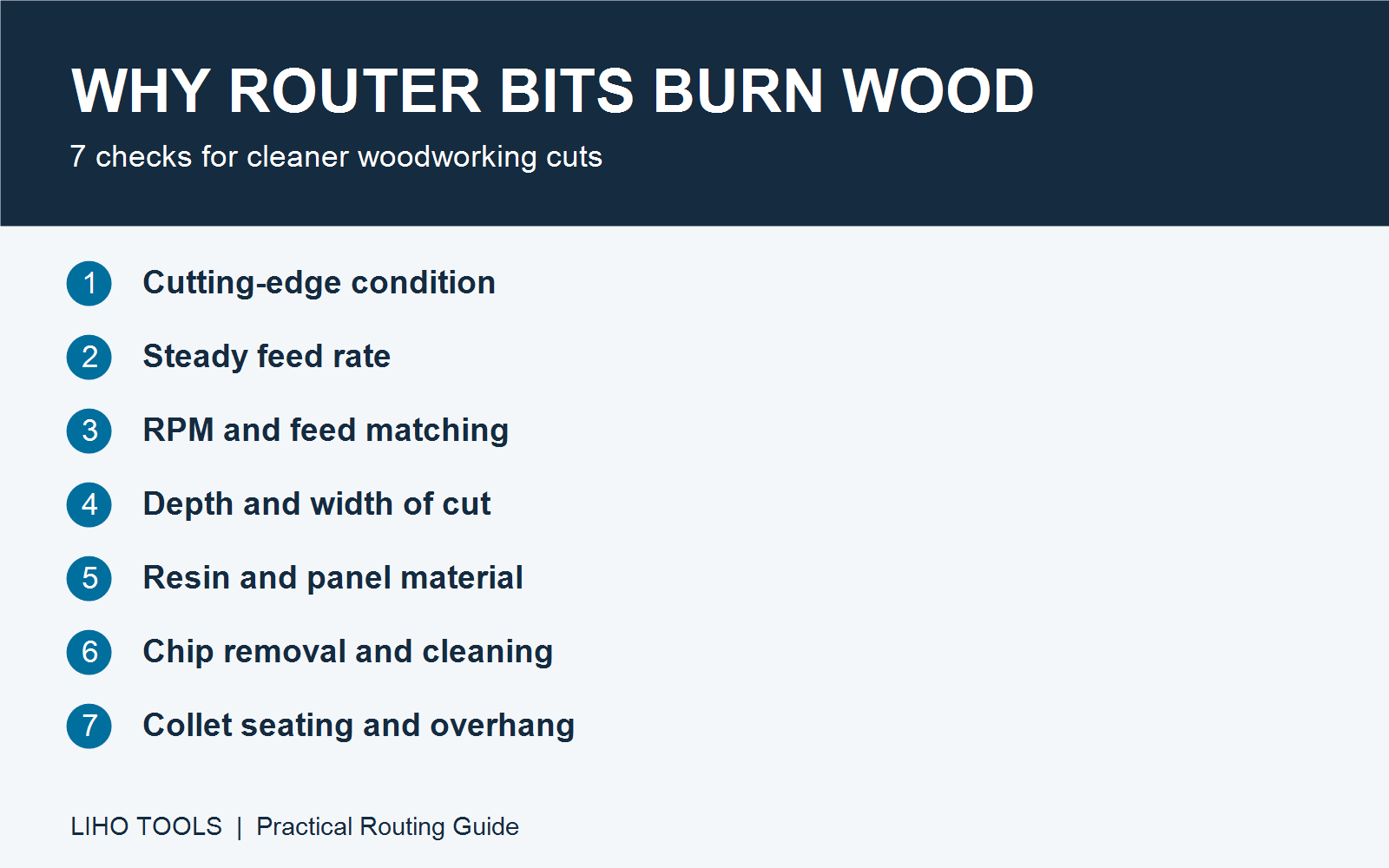
Burn marks on routed wood usually mean too much heat is building up at the cutting surface. Instead of removing material cleanly, the cutter may be rubbing, recutting trapped chips, or working under excessive load. Start by checking cutting-edge condition, feed rate, and depth of cut, then inspect speed, material, chip removal, and mounting.
A blackened bit is not automatically proof that the tool itself has burned: resin and compacted residue can also darken its surface. Clean and inspect the cutter before deciding whether it needs replacement.
1. Dull or Damaged Cutting Edges
A worn edge cuts less efficiently and can rub against the workpiece, leaving dark marks along the routed edge. Chipped edges may also produce an uneven finish.
What to do: Disconnect power before inspection. Remove buildup and check for wear or chipped cutting edges. Replace a damaged cutter or have it assessed by a qualified sharpening service. Cleaning cannot restore a worn edge. Choose a cutter suited to the material and operation rather than relying on brand name alone.
2. Feeding Too Slowly or Pausing in the Cut
When the cutter stays in one area too long, repeated contact can leave a burn mark. This often appears at corners, at the end of a pass, or wherever the operator pauses.
What to do: Use a smooth, controlled feed within the tool and machine recommendations. Avoid dwelling with the rotating cutter against the wood. If the machine struggles or the surface tears, do not simply keep increasing feed; reassess cutting depth and tool condition.
3. Spindle Speed and Feed Rate Are Poorly Matched
RPM needs to work together with feed rate, cutter diameter, and cutting-edge count. Running high RPM with a low feed can make each edge remove too little material and encourage rubbing. Reducing RPM too far without adjusting the cut can overload the edges and worsen finish quality.
What to do: Start with the tool manufacturer’s recommended operating range and never exceed its maximum RPM. Larger-diameter cutters generally require lower speed limits, but diameter alone does not determine the correct setting. For CNC routing, use the manufacturer’s chip-load guidance and adjust feed and RPM together. Test on an offcut of the same material before machining production parts.
4. Removing Too Much Material in One Pass
A heavy cut increases cutting load and can make chip removal more difficult. It may also cause the machine or operator to slow down, increasing heat at the cut.
What to do: Reduce the amount of material removed per pass when the cut is overloaded. Choose depth and width of cut for the cutter geometry, material, machine rigidity, and manufacturer’s guidance. There is no universal 3–5 mm depth limit for every router bit or operation.
5. Resinous Wood and Engineered Panels
Resinous timber, including pine, can leave pitch on the cutting edges. Engineered panels also vary in adhesive system, density, and surface layers, so settings that work on solid wood may not give the same result on plywood or other panels.
What to do: Keep the edges clean and use tooling and settings suited to the actual board. Test a representative sample. Do not assume that a panel sold for laser cutting, or a particular adhesive name, will prevent burn marks during routing.
6. Poor Chip Removal and Buildup on the Bit
Packed flutes can force a cutter to recut waste rather than remove fresh material. Pitch and debris on the cutter can interfere with cutting and increase friction.
What to do: Check extraction, flute condition, and whether the cutter geometry is appropriate for the operation. Clean the bit with a purpose-made cleaner compatible with its materials, coating, and any bearings, following the supplier’s instructions. Let it dry and inspect it before reinstalling.
7. Incorrect Mounting or Excessive Overhang
An incorrectly seated shank, worn collet, or excessive tool overhang can contribute to runout and vibration. Uneven engagement can worsen surface quality and localized heating.
What to do: With power disconnected, inspect and clean the shank and collet. Use the correct collet size, follow the specified insertion depth and tightening procedure, and keep overhang within the setup requirements. A blanket rule such as inserting two-thirds of the bit is not a substitute for the tool and machine instructions. Stop machining if unusual vibration persists.
Quick Troubleshooting Checklist
| Check | What to inspect |
|---|---|
| Cutting edges | Wear, chipped edges, and cutting condition after cleaning |
| Feed rate | Slow movement or pauses while the cutter is engaged |
| RPM | Compatibility with cutter diameter, feed, and manufacturer limits |
| Depth of cut | Excessive load or too much material removed per pass |
| Bit cleanliness | Resin, pitch, and packed debris |
| Chip removal | Blocked flutes, ineffective extraction, and recutting |
| Mounting | Correct seating, secure clamping, runout, and overhang |
Where to Start When Burn Marks Appear
Check edge condition, feed rate, and cutting load first. Then work through speed, material, chip removal, and mounting. Change one setting at a time and compare the result on the same material. If the cutter is damaged or the machine vibrates abnormally, stop and resolve the cause before continuing.
For help selecting woodworking tooling, share your material, machine, cutter diameter, cutting operation, and current feed and RPM with Liho Tools. These details are more useful than a photo of the burn mark alone.
Explore Liho Tools’ PCD router bits for your tooling selection, or contact our team with your machining details to discuss a suitable cutter for your application.