
A cutter that produces a clean edge in wood may behave differently in a plastic sheet. When routing acrylic or polycarbonate, the job is to remove material without allowing softened chips to collect on the edge or weld back onto the workpiece. Tool geometry, chip load, workholding, and chip removal all matter. Simply running the spindle as slowly as possible is not a complete solution.
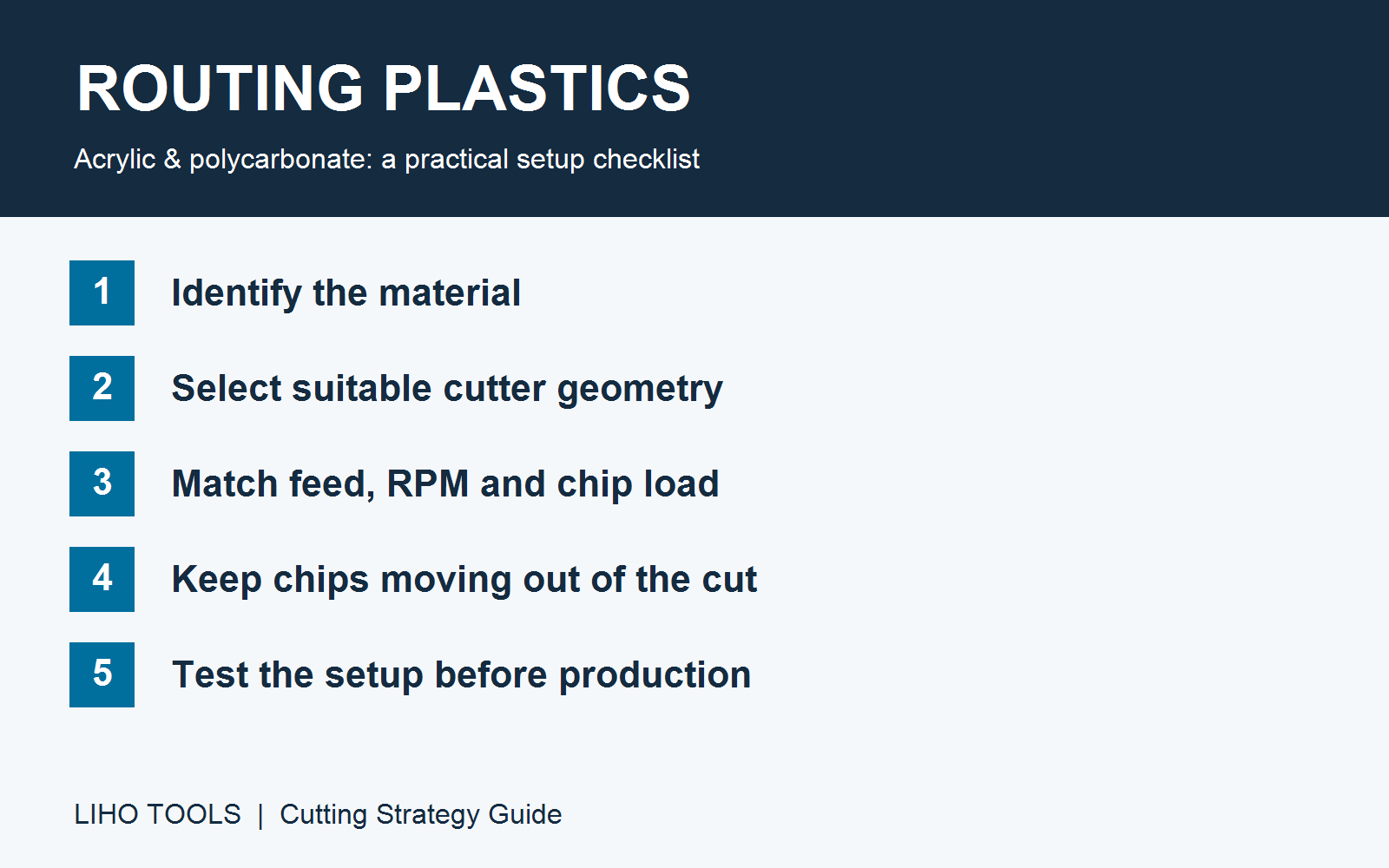
Recognize the Problem Before Changing Settings
Look at both the routed edge and the cutter. Smeared material, chips stuck to the flute, or a ridge of reattached plastic can indicate that the cutting conditions need attention. A rough edge alone does not prove overheating: vibration, poor support, or an unsuitable cutter can produce a poor finish too.
Wood can develop scorch marks when cutting generates excessive heat. Thermoplastic sheets respond differently: localized heating can soften the material and encourage adhesion or chip rewelding. Those deposits can disrupt the next cut, so continuing with a clogged tool may make the problem worse.
Stop the machine before inspecting or clearing the cutter. Do not attempt to pull wrapped chips from a rotating bit.
Why a Single-Flute Cutter Can Help
A purpose-designed single-flute solid carbide router bit can provide useful space for chip evacuation. Plastic-cutting O-flute geometry is one common option, but “single flute” and “O-flute” are not interchangeable descriptions: confirm the actual cutter design and its recommended materials.
A sharp edge and a suitable flute surface help the cutter remove material cleanly. The useful result depends on the whole setup, rather than the flute count alone. A single-flute bit is a practical candidate for many plastic-routing applications, not a guarantee of a cooler cut or the best finish in every plastic.
When comparing cutters, check the material recommendation, cutting diameter, usable cutting length, flute direction, and manufacturer’s cutting data. Do not select a tool from its appearance or coating colour alone.
Match Feed Rate and RPM Through Chip Load
Feed and spindle speed should be considered together. For CNC routing:
Chip load = feed rate ÷ (RPM × number of cutting edges)
Use consistent length units: a feed in mm/min gives chip load in mm per cutting edge.
At a fixed feed rate, increasing RPM reduces the amount removed by each edge. If the chip load becomes too small for the tool and material, rubbing and heat-related problems may develop. Reducing RPM can increase chip load, but taking it too far can overload the cutter. Increasing feed can also increase chip load, subject to the machine, tool, and workholding limits.
Start from the cutter manufacturer’s data for the actual plastic and operation. Adjust one variable at a time and inspect a sample cut. Do not apply a universal “low RPM, fast feed” setting to every sheet, cutter diameter, or depth of cut.
A variable-speed router or spindle gives more room to match the recommended conditions. A fixed-speed machine is usable only when its speed and achievable feed fit the approved cutting range; variable speed alone does not ensure a successful cut.
Treat Acrylic and Polycarbonate Separately
Acrylic
Identify whether the sheet is cast or extruded acrylic. They can respond differently during machining, so a successful setting for one should not automatically be transferred to the other. Support the sheet securely and check entry, exit, and edge quality on a representative offcut.
Polycarbonate
Use tooling recommended for polycarbonate and give chip evacuation particular attention. Inspect for material collecting in the flute or reattaching to the cut. Stable workholding and controlled tool engagement remain essential even when the cutting settings are appropriate.
Solid-Surface Materials
Do not group every “artificial stone” product with acrylic sheet. Acrylic-based solid surface and mineral-rich engineered stone have different compositions and machining requirements. Identify the product first and follow its material supplier’s tooling, extraction, and processing guidance.
A Practical Setup Checklist
| Check | What to confirm |
|---|---|
| Material | Exact plastic type, sheet grade, thickness, and acrylic manufacturing method |
| Cutter | Recommended material, edge condition, geometry, and cutting length |
| Feed and RPM | A suitable chip load within the tool and machine limits |
| Engagement | Appropriate depth and width of cut for the operation |
| Chip removal | Chips leave the cutting area without packing or repeated recutting |
| Workholding | The sheet and smaller parts remain supported throughout the cut |
| Trial cut | Edge quality and chip condition checked before production |
Choose Tooling for the Actual Application
For help discussing a cutter, send Liho Tools the plastic type, sheet thickness, machine, intended operation, and current feed and RPM. Include the required edge finish and any signs of chip adhesion. These details help frame a useful tooling discussion without assuming that a standard woodworking setup will suit the job.
Related reading: Why Router Bits Burn Wood: 7 Causes and Practical Fixes.